The Problem With Paying For Shipping Labels Today
Postage keeps getting more expensive, and card payments add friction on top of the cost. USPS raised the Forever stamp from 78 cents to 82 cents on July 12, 2026, a 4.8% jump across First-Class Mail. Priority Mail rates rose again in January 2026, and a temporary peak-season surcharge runs through mid-January 2027.
Paying with a card doesn't fix any of that. Your bank can flag the charge, freeze your account over "unusual activity," or decline the payment mid-checkout. International sellers also eat currency conversion fees on top of the shipping cost itself.
Bitcoin postage removes the card, the bank, and the wait. You buy a real USPS, UPS, FedEx, or Canada Post label using Bitcoin, Litecoin, or another cryptocurrency, and you print it in minutes. This guide breaks down real bitcoin postage info: how a crypto postage app works, what BTC postage actually costs against a card, and how to buy postage on phone with Bitcoin in under five minutes.
What Is Bitcoin Postage?
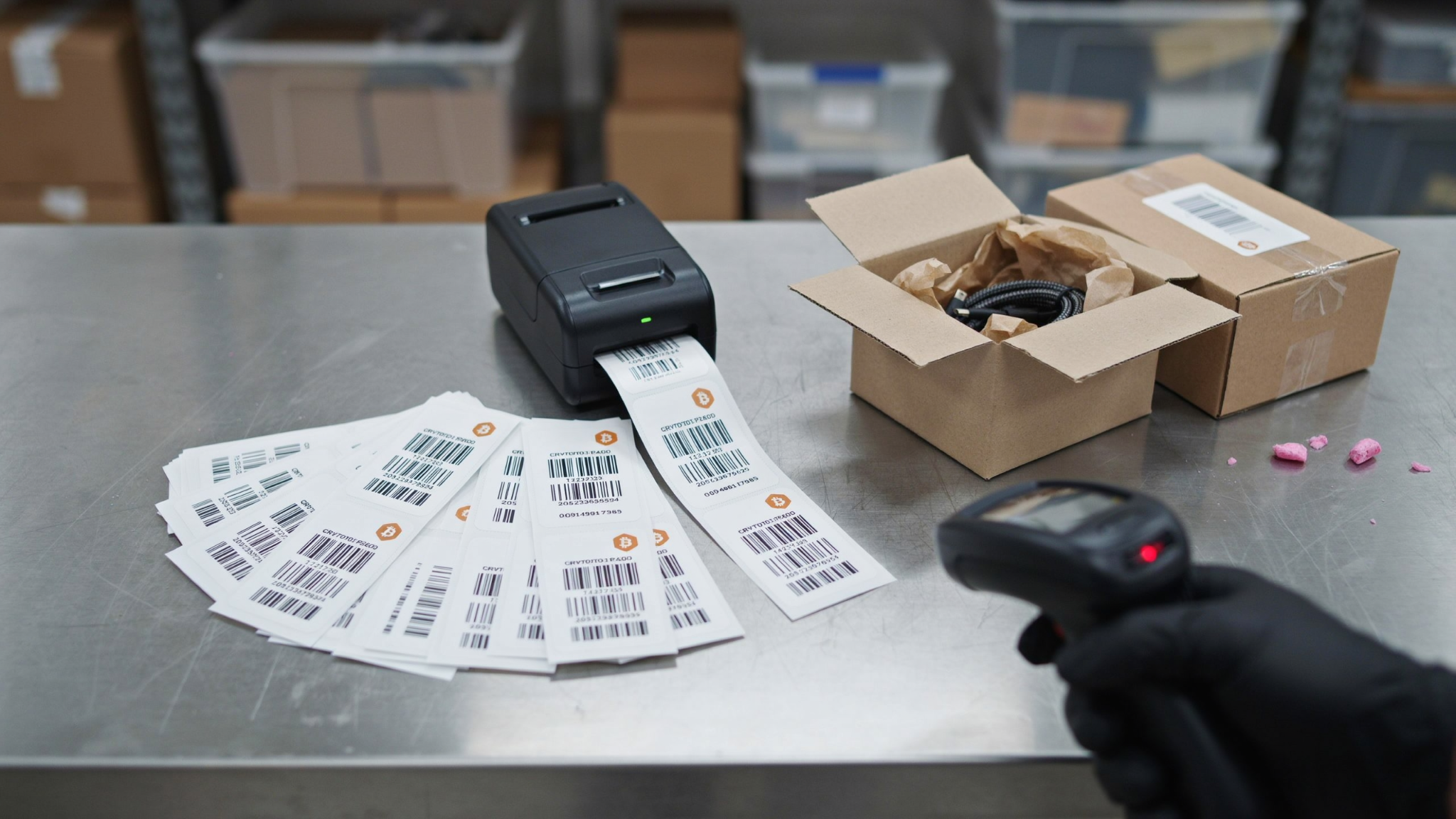
Bitcoin postage is a shipping label you buy using cryptocurrency instead of a credit card or PayPal. You enter your package details on a crypto postage app, the app calculates the carrier rate, and you pay the Bitcoin equivalent of that rate. The app then generates the same label the carrier would sell you at the counter.
The label works everywhere. USPS, UPS, and FedEx scan and deliver a Bitcoin-purchased label the same way they process one bought with a debit card. The only difference is how you paid for it.
This setup helps three groups most. Online sellers who already hold crypto want to spend it directly instead of converting to cash first. Privacy-focused shippers want to avoid handing a card processor their full shipping history. International sellers want to skip currency conversion fees on every single label.
Why Bitcoin Postage Info Gets Confusing
Most bitcoin postage info online explains what Bitcoin is, or explains how postage works, but rarely walks through the full purchase flow end to end. Searchers land on a page built around a rate calculator, and the form assumes you already know how to finish each step. That gap leaves first-time buyers unsure how a crypto payment actually settles against a shipping rate.

Here's the part most pages skip: carriers price shipping rates in dollars, but Bitcoin's price moves. A trustworthy crypto postage app locks your exchange rate for a short window, usually 10 to 20 minutes, so the price you see is the price you pay even if BTC moves before your transaction confirms. Confirm that lock window before you send payment.
How A Crypto Postage App Works, Step By Step
Buying postage with Bitcoin follows the same shipping-label workflow you already know, with one different step at checkout.
Step 1: Enter Your Package And Address Details
Type in your From and To addresses, then enter your package weight and dimensions. Round up on weight and size — carriers charge more for an underpaid label than they would have charged for accurate dimensions upfront.
Step 2: Pick Your Carrier And Service Level
Compare USPS, UPS, FedEx, and Canada Post rates side by side. Choose Ground, Priority, or Express based on how fast the package needs to arrive.
Step 3: Pay With Bitcoin Or Another Supported Coin
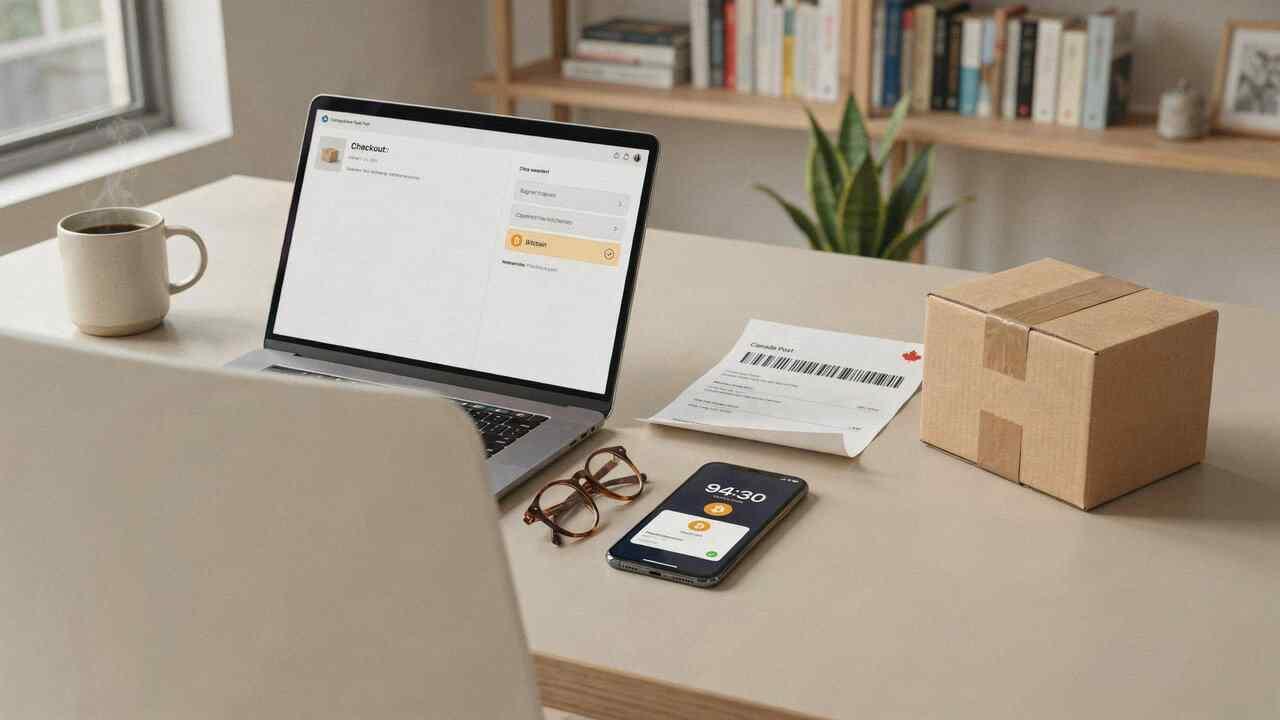
Select Bitcoin, Litecoin, Monero, or Bitcoin Cash at checkout. The app converts your shipping rate into that coin's current price and gives you a wallet address or QR code to send payment to.
Step 4: Confirm And Print Your Label
Once your transaction confirms on the blockchain, the app generates your label as a PDF. Print it, tape it to your package, and drop it off or schedule a pickup. The full process, from entering an address to printing a label, usually takes under five minutes once you have crypto sitting in your wallet.
How To Buy Postage On Phone With Bitcoin
You don't need a desktop computer to buy postage on phone with Bitcoin. A mobile browser handles the entire flow: entering addresses, comparing rates, and paying through your crypto wallet app.
Open your wallet app first, whether that's Muun, BlueWallet, or Electrum, so it sits one tap away when you reach checkout. Fill in your shipment details on your phone's browser exactly as you would on desktop. When you reach the payment screen, tap the QR code to open your wallet automatically, or copy the wallet address and paste it manually if the scan doesn't trigger.
Save your label straight to your phone's files or photos once it generates. Most copy and print shops can print directly from a photo or PDF on your phone, so home printer access isn't required to finish the job.
Who Actually Uses Bitcoin Postage
E-commerce sellers who invoice international clients in crypto make up the largest group. They get paid in Bitcoin and want to spend it directly on shipping instead of routing it through an exchange first and losing time and fees on the conversion.
Freelancers and small businesses paid in crypto for services follow close behind. Converting every payment to a bank account before covering a business expense adds a step that a crypto postage app removes entirely.
Privacy-conscious shippers make up the third group. They'd rather not link a shipping address to a card statement that a processor stores indefinitely. Paying with Bitcoin keeps that transaction off a traditional payment ledger.
Shipping Internationally With Bitcoin Postage
International labels need customs forms in addition to the shipping label itself, and a crypto postage app should generate both from the same order. You'll enter a contents description, declared value, and country of origin for each item in the package, and the app builds the customs declaration automatically once you submit that information.
Paying with Bitcoin doesn't change what customs requires. It only changes how you settle the shipping cost. You still need accurate item descriptions and values, since customs delays and returned packages usually trace back to incomplete or inaccurate declarations, not the payment method used.
Cross-border sellers see the biggest advantage here. A card payment for an international label often triggers a currency conversion fee on top of the shipping rate. Bitcoin settles in the same coin no matter which country the sender or recipient is in, so that extra fee disappears entirely.
Keeping Records For Bitcoin Postage Purchases
Save the label receipt and the transaction hash for every Bitcoin postage purchase. The transaction hash proves payment on the blockchain, and the receipt shows what carrier service you paid for, which matters if a package gets lost or a refund needs processing.
Crypto spending can carry tax implications depending on where you live and how your local tax authority treats cryptocurrency transactions. Talk to a tax professional about how paying for business expenses in Bitcoin affects your specific filing, since rules vary by country and change over time.
BTC Postage vs. Traditional Payment: Fees And Speed Compared
Credit cards charge 1.5% to 3.5% per transaction, settle instantly, but stay reversible through chargebacks, and add a currency conversion fee on international sends. PayPal follows a similar pattern, often charging more on cross-border payments. Bitcoin's on-chain network charges roughly $1 to $5 flat depending on network congestion and settles within minutes, while the Lightning Network drops that fee to under a cent and settles in seconds. Neither Bitcoin option adds cross-border friction, since the fee stays the same whether you're shipping across town or across the ocean.
Card fees scale with order size. BTC postage fees don't move the same way — a $3 flat-rate letter and a $200 international package settle on Bitcoin's network for close to the same cost. That gap adds up fast for anyone shipping in volume.
Is Bitcoin Postage Safe?
Bitcoin postage is as safe as the app processing it. A legitimate app never asks for your wallet's private keys or seed phrase — it only ever gives you an address to send payment to. Treat any request for your seed phrase as a scam, full stop.
Blockchain payments are final once confirmed, which cuts both ways. You can't get hit by a chargeback dispute the way a merchant can with stolen credit cards, but you also can't reverse a payment sent to the wrong address. Double-check the wallet address before you send, and wait for on-chain confirmation before assuming your label is ready. Look for an app with a locked exchange-rate window, a support email you can actually reach, and clear reprint or refund terms before you commit crypto to your first order.
Which Cryptocurrencies Work For Buying Postage
Bitcoin is the most widely supported option because most crypto postage apps built their infrastructure around it first. Litecoin often comes next, valued for lower per-transaction fees and faster confirmation than Bitcoin's base layer. Monero and Bitcoin Cash show up on some platforms too, mainly for shippers who prioritize transaction privacy or lower fees.
Not every app supports every coin, and not every coin works for every carrier account type. Check the accepted coin list before you build out a shipment, especially if you're planning a bulk CSV import for multiple packages at once.
Common Mistakes First-Time Crypto Postage Buyers Make
Underestimating package weight causes more failed deliveries than any other mistake. Carriers return underpaid packages to the sender, and you pay again to reship them. Round your dimensions and weight up, never down.
Sending payment without confirming the amount and network ranks as the second most common error. Crypto transactions can't be reversed, so a typo in the amount, or picking the wrong network for a coin, means lost funds. Confirm the coin type, network, and exact amount every time before you send.
Waiting too long after the rate locks causes the third mistake. Most locked windows expire in 10 to 20 minutes. Miss that window while Bitcoin's price moves and you'll need to recalculate the rate before checkout finishes.
Skipping address verification causes the fourth mistake, especially on international orders. A misspelled street name or missing unit number sends a package back after customs already processed it, and that return trip costs more than the few extra seconds address verification takes upfront.
Buy Bitcoin Postage Today
Bitcoin postage isn't a niche workaround anymore. It's a faster checkout for anyone who already holds crypto and wants to skip the bank entirely. Enter your shipment details, pick your carrier, and pay with Bitcoin, Litecoin, or another supported coin in the time it takes to fill out one form.
Start your shipment now and print a real USPS, UPS, or FedEx label without touching a credit card.
Frequently Asked Questions
Does Bitcoin postage cost more than paying with a card?
No. The shipping rate itself comes straight from the carrier and matches what you'd pay at the counter. Some crypto postage apps charge a small service fee, so check the fee breakdown before checkout, but the base postage cost stays the same regardless of payment method.
What happens if Bitcoin's price changes before my payment confirms?
A reliable app locks your exchange rate for a short window, usually 10 to 20 minutes, so the price you see at checkout is the price you pay. If your payment doesn't confirm within that window, the app recalculates the rate at the new price.
Can I get a refund if I need to cancel a Bitcoin-purchased label?
Refund policies vary by app and by carrier. USPS labels are often refundable within a set window if unused, but the crypto refund typically comes back in the coin you paid with, not cash, so check the platform's refund terms first.
Do I need a full Bitcoin to buy postage?
No. You send the exact fractional amount of Bitcoin that matches your shipping rate in dollars, and most postage purchases use a tiny fraction of one BTC. Your wallet handles the decimal conversion automatically.
Can I import a CSV file and pay for multiple labels with Bitcoin at once?
Yes. Most crypto postage apps support bulk CSV import for sellers shipping several packages at once. You upload your shipment list, review the combined rate, and pay the total in one crypto transaction instead of paying label by label.
How can I check that a label is genuine before shipping?
Enter the tracking number on the carrier's own tracking page. A valid label usually shows an early status such as label created or shipping information received.
Can I buy return labels this way?
Some providers sell prepaid return labels you can email to a customer. Confirm the return window, who pays if the item never ships back, and how refunds for unused labels work.